

Digital Pasban
Parents Toolkit
The Digital Pasban Parents toolkit provides practical guidance and easy-to-use tools to help families build positive digital habits, make informed decisions, and create a safer, more balanced online experience for children.

In partnership with:

With support from:







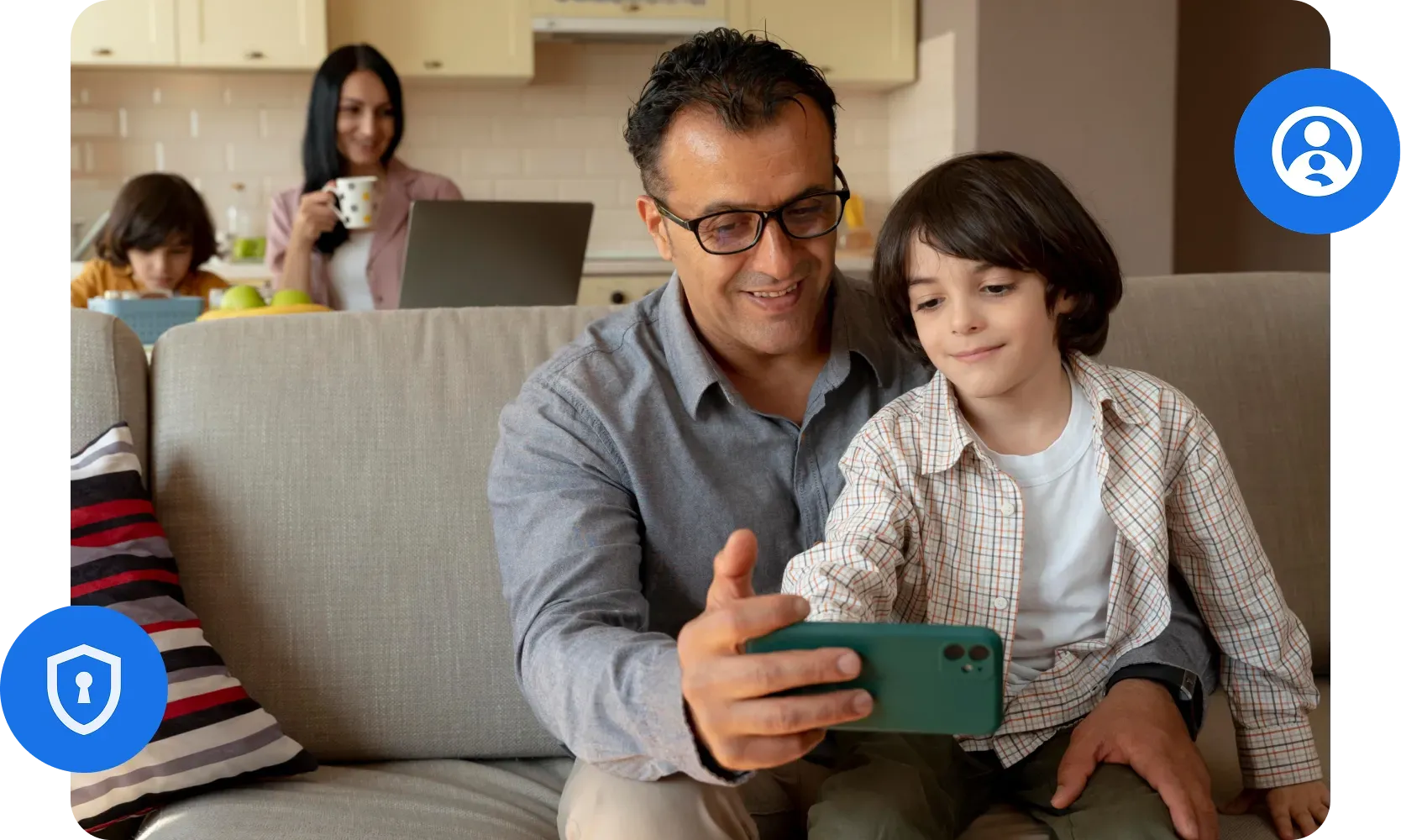
Our 4 Key Pillars of Program
Each pillar of this curriculum corresponds to a specific Google product or programme designed to make family digital life safer. Taken together, they form a complete ecosystem of protection.
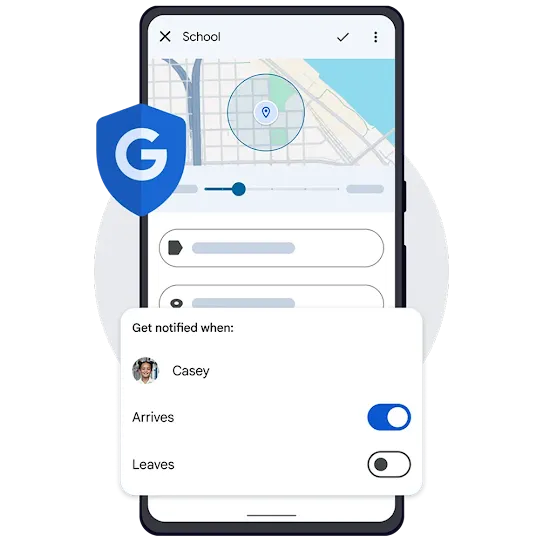

Family Link
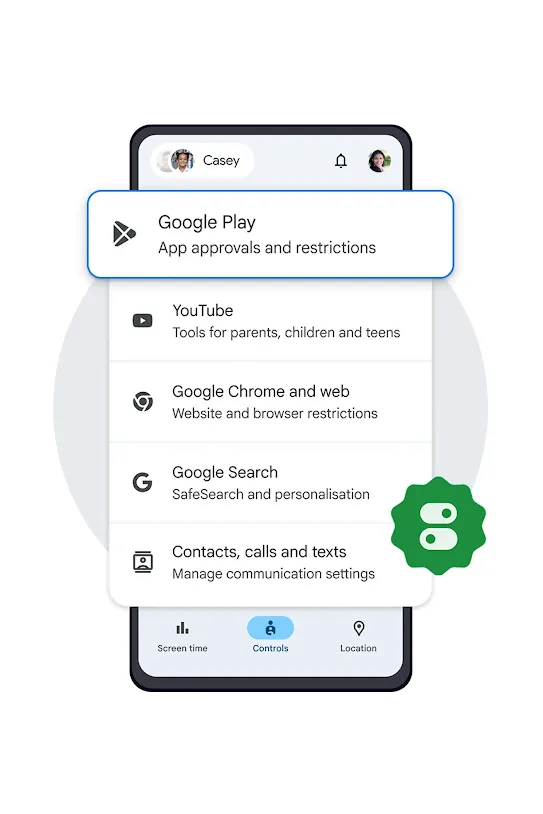
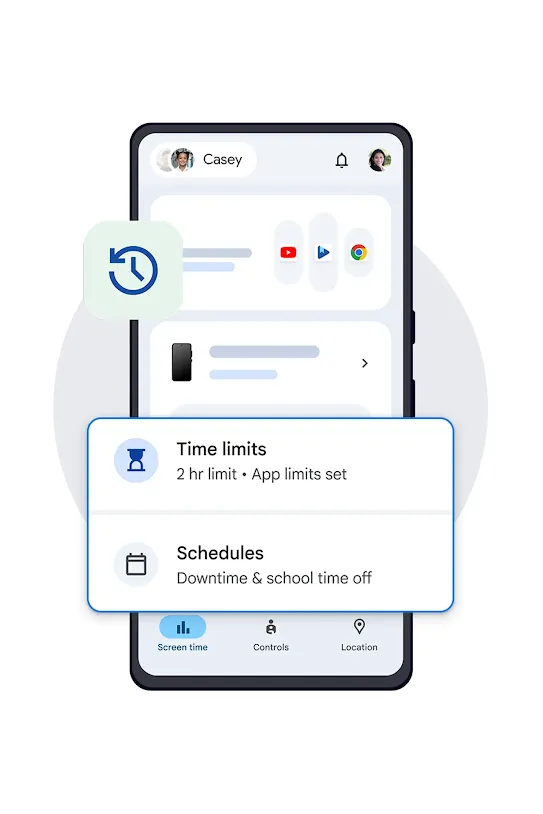
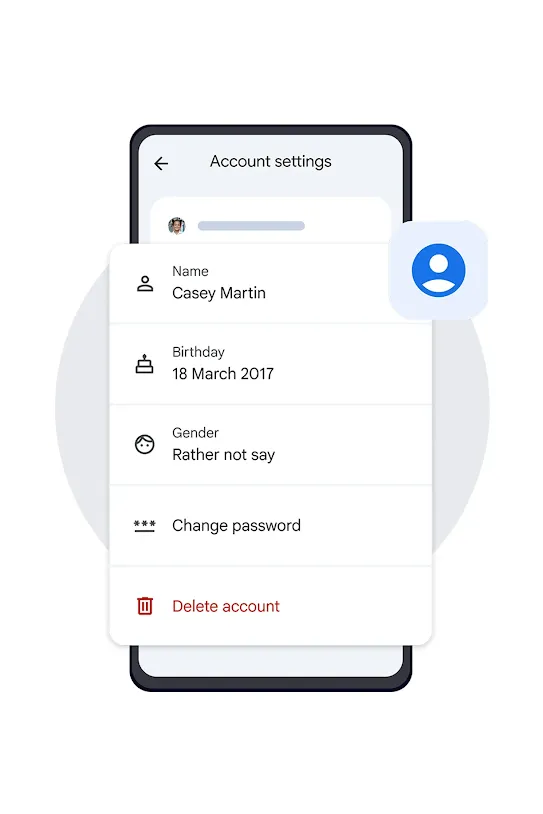
Google Family Link is a free parental controls application developed by Google, designed to help parents supervise and manage their child's use of Android devices and Chromebooks. It provides tools to monitor app usage, set daily screen time limits, review and approve app downloads, manage content filters, and track device location.
Key Features of Family Link
-
App Control and Approval
-
Content Filter and SafeSearch
-
Screen Time Management
-
Account Security

YouTube
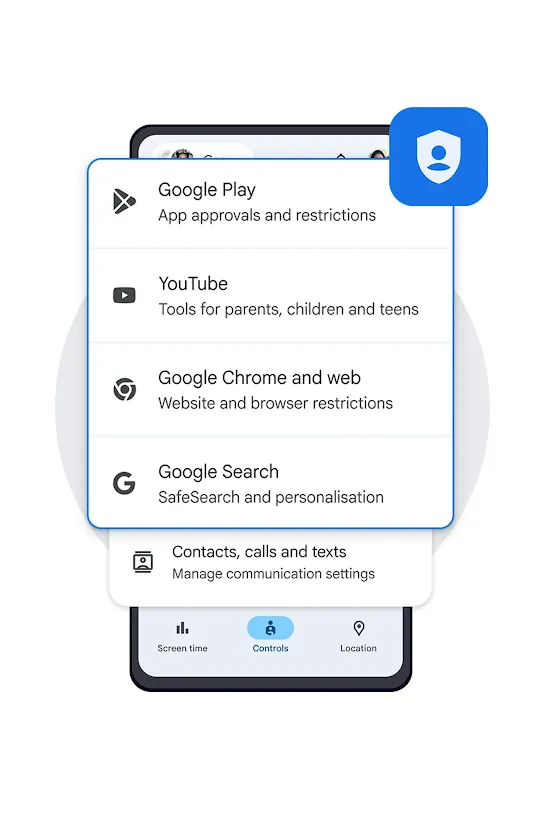
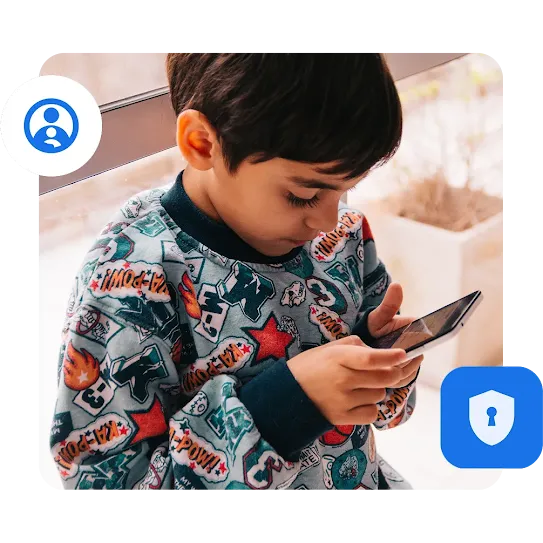
The YouTube Supervised Experience is a feature that helps parents make YouTube safer for teens (ages 13-17) and pre-teens (under 13). It offers more flexibility than YouTube Kids (ages 12 and under) while giving parents more control than the regular YouTube app.
It works through Google Family Link and is linked to your child's Google account. Once it's set up, the same settings apply wherever your child signs in to YouTube, whether they're using a phone, tablet, or computer. This means you don't have to set up each device separately.
It works through Google Family Link and is linked to your child's Google account. Once it's set up, the same settings apply wherever your child signs in to YouTube, whether they're using a phone, tablet, or computer. This means you don't have to set up each device separately.

Gemini
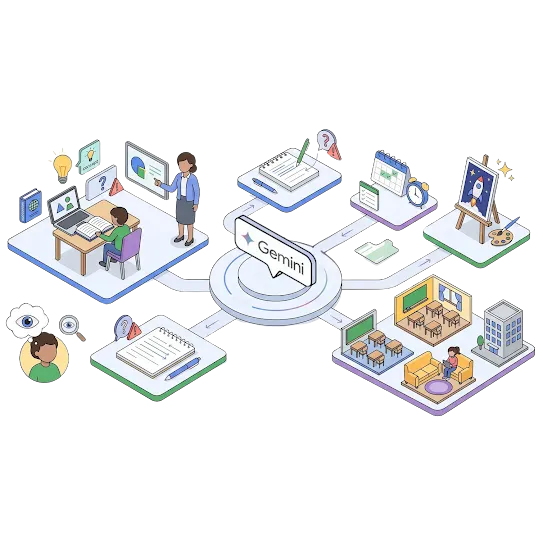
Parents of children under 13 can grant or restrict access to the Gemini app through Google Family Link.
Parents are encouraged to explore the Gemini app alongside their child rather than leaving them to use it unsupervised. Appropriate uses include answering questions out of curiosity, supporting creative writing or brainstorming, and assisting with schoolwork through guided explanations rather than direct answers.
Parents are encouraged to explore the Gemini app alongside their child rather than leaving them to use it unsupervised. Appropriate uses include answering questions out of curiosity, supporting creative writing or brainstorming, and assisting with schoolwork through guided explanations rather than direct answers.
Ready for the full picture?
Download the toolkit to explore more on the 4 pillars, and to create a safer, more balanced online experience for children.